Video Library
Short how-to videos for every module. See the product in action inside Salesforce.
Featured
See all 3 videos →
How We Got There: Jeff Freund, Founder & CEO of Akoonu
Jeff Freund joins the How We Got There podcast to talk about founding Akoonu, building Salesforce-native forecasting tools, and the journey from idea to ISV partner.
Efficient Pipeline Reviews with Akoonu
See how Akoonu transforms pipeline review meetings with real-time Salesforce data, structured views, and AI-powered insights — all inside Salesforce.
Leverage Sales Technology for Maximum Impact!
Dave Brock hosts Corey Richardson and Jeff Freund to discuss how sales leaders can leverage technology — including Salesforce-native tools — to drive real pipeline outcomes.
Pipeline Reviews
See all 14 videos →
Pipeline Reviews Overview
An introduction to Pipeline Reviews — the four views, what they show, and how to access the app.
Layout & Orientation
A quick orientation of the Pipeline Reviews interface — view buttons, header, sidebar, toolbar, and team drill-down.
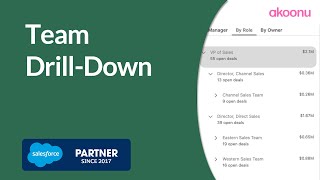
Navigate Your Team
How to use the team drill-down sidebar to navigate by role, manager, or individual owner.
Workbench
See all 14 videos →
Workbench Overview
An introduction to the RevWorks Workbench — your configurable analytics workspace for inspecting, analyzing, and exporting forecast data.
Forecast Deep Dive
How to drill into forecast data in the Workbench — AI insights, category breakdowns, trends, adjustments, and submission history.
Drill-Down Opportunity Lists
How to drill down from forecast data to the underlying opportunities — inline editing, change indicators, activity tracking, and flow analysis.
Quota Manager
See all 9 videos →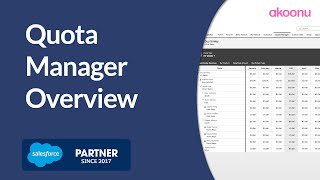
Get Started with Quota Manager
How to navigate and use Quota Manager — forecast types, hierarchy navigation, year selection, and display options.
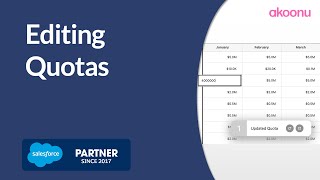
Editing Quotas
How to edit quota values in Quota Manager — inline editing, multi-select, row-level updates, and search.
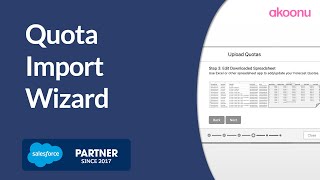
Quota Import Wizard
How to import quotas using the guided import tool — generate a template, fill in values, and upload.
Oonu (AI Chat)
See all 6 videos →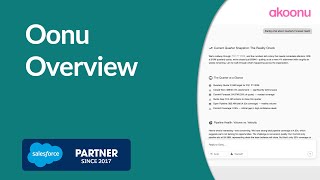
Oonu (AI Chat) Overview
An introduction to Oonu — Akoonu's AI sales analyst with full access to your Salesforce data, pipeline, and sales process.
Using Prebuilt Skills
How to use Oonu's prebuilt skills — one-click starting points for common pipeline, forecast, and performance questions.
Working With Responses
How to copy, save, download, and present individual response blocks from Oonu conversations.
Daily Advisor
See all 5 videos →
Daily Advisor Overview
An introduction to Daily Advisor — proactive AI briefings every morning, tailored to your role.
Tasks and Calendar
How to create Salesforce tasks and calendar events directly from Daily Advisor recommendations.
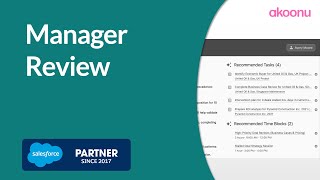
Manager Review
How managers can view their team's Daily Advisor briefings to prepare for coaching conversations.
Sales Methodology
See all 5 videos →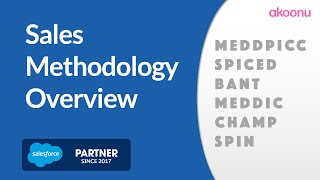
Sales Methodology Overview
An introduction to Sales Methodology — make your team's methodology visible and actionable on every deal.
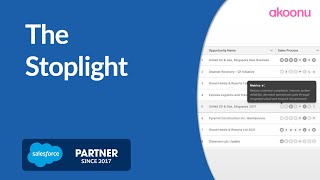
The Stoplight
How to read the sales methodology stoplight — the color-coded bubble indicator that shows deal qualification at a glance.
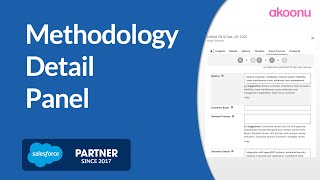
Methodology Detail Panel
How to use the sales methodology detail panel to review, edit, and accept AI suggestions for qualification fields.
Custom Data Manager
Setting Up Forecasting Custom Data
How to create custom data fields in Salesforce and add them as columns on your forecast types.
Custom Data Manager
How to use the Custom Data Manager in Akoonu RevWorks to view, edit, and import forecasting custom data.
Using Custom Data in Workbench
How to add custom data fields and build formulas using forecasting custom data in Workbench views.